
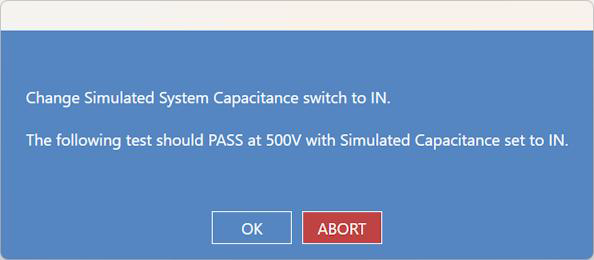
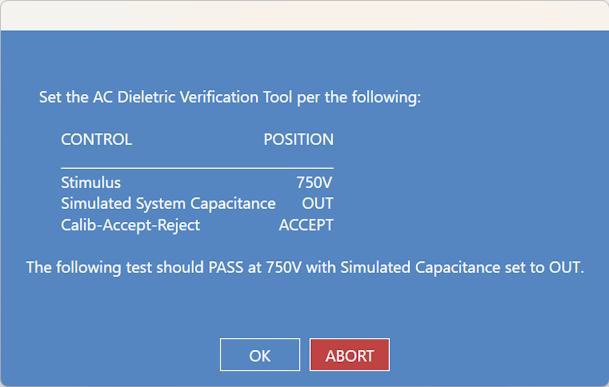
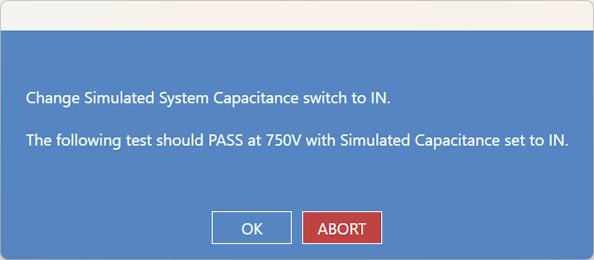
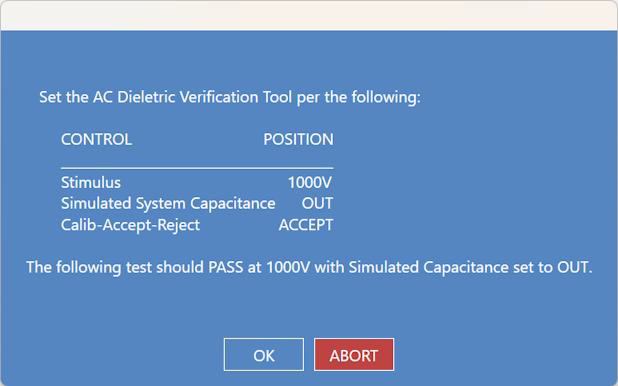
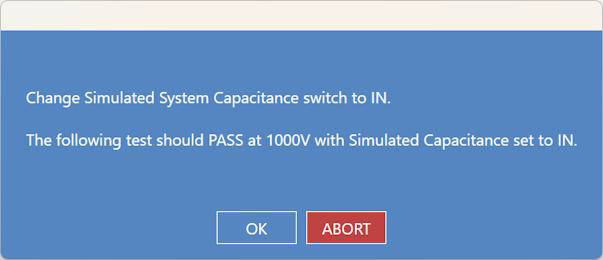
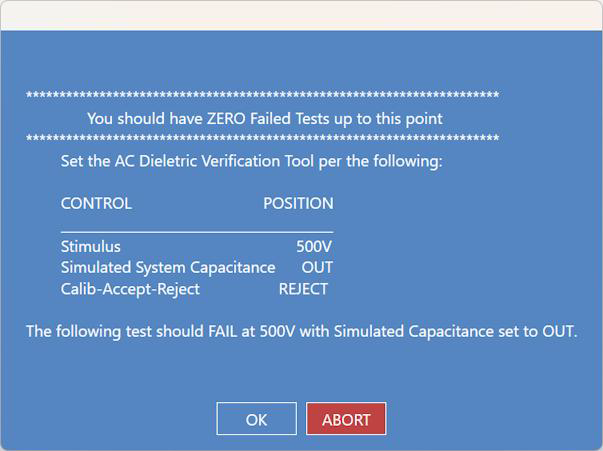
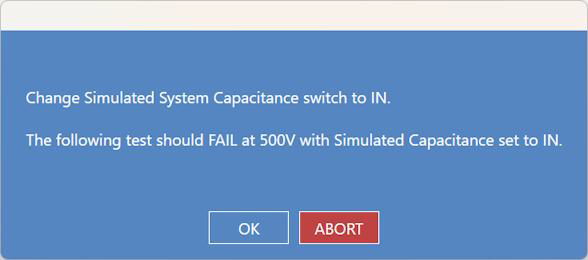
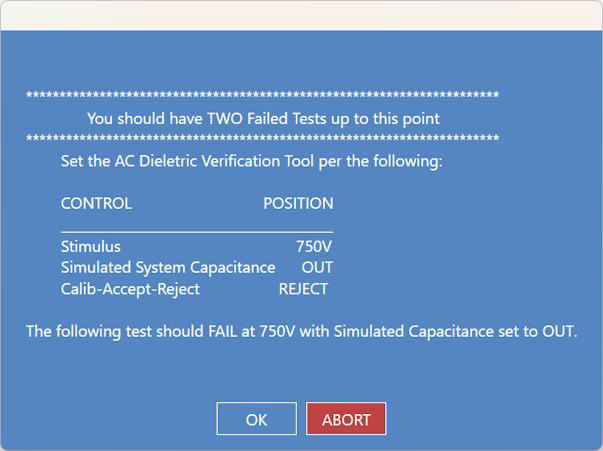
This test will run only if the connected analyzer has the AC option and the AC verification test file. The "AC Option Installed" checkbox must be marked in Settings for the AC Verification Test button to appear in the Maintenance menu. The test script provides simple and detailed instructions on how to use the AC Calibration Verification Tool. The test conducted in this section uses a 2115 with an AC
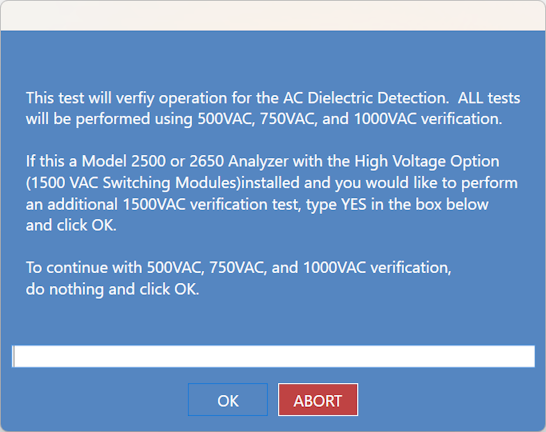
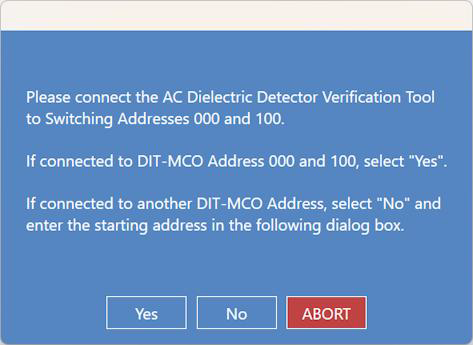
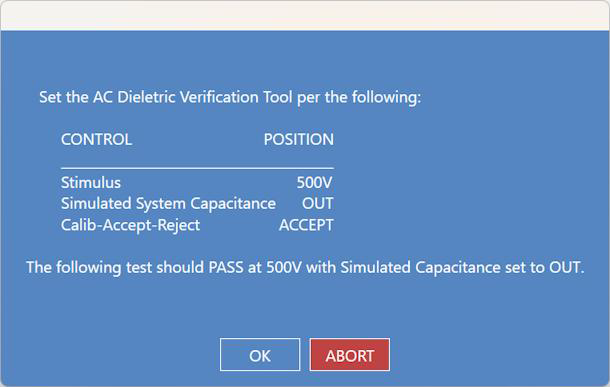
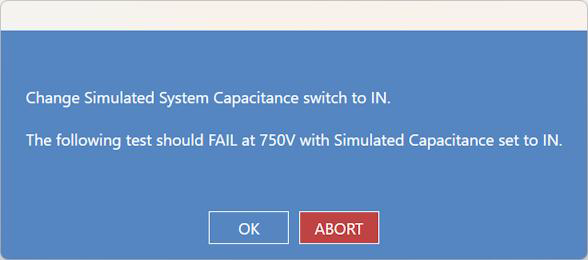
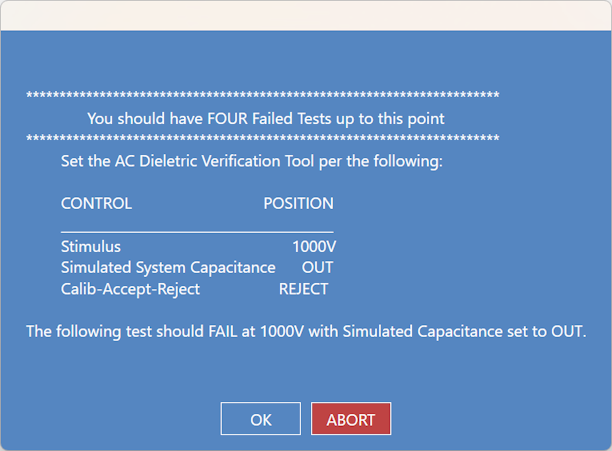
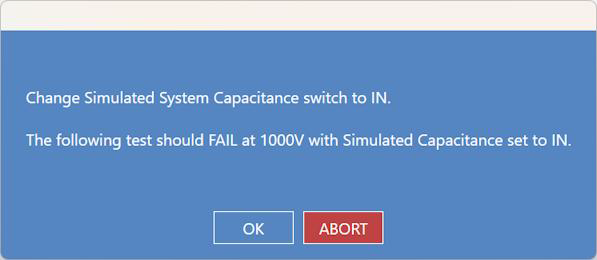
Option Board installed: it is NOT an HVAC system with high-voltage switching. Users will encounter the following 16 screens, in order, for successful test execution.
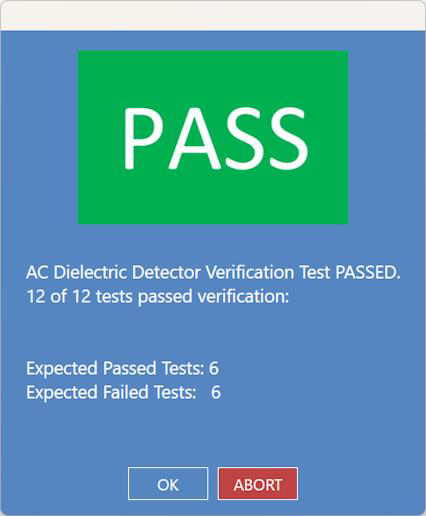
The graphic below illustrates the six (6) passed and six (6) failed tests for the overall PASS result.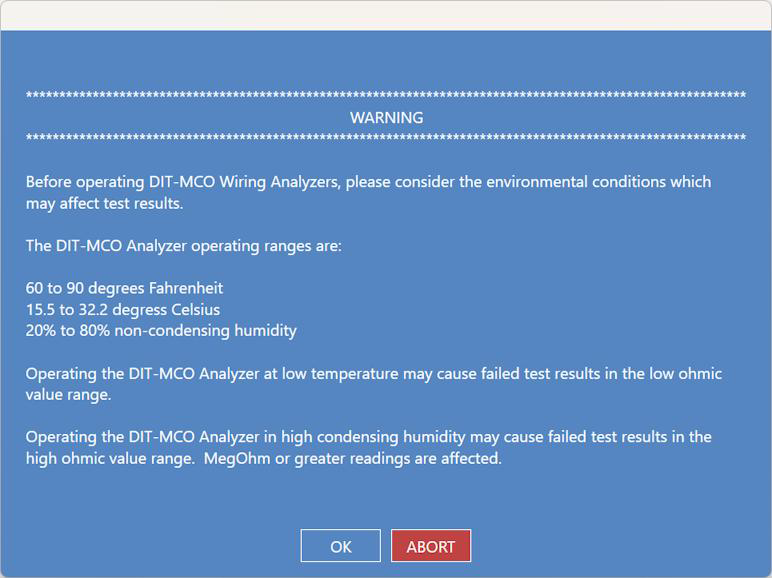
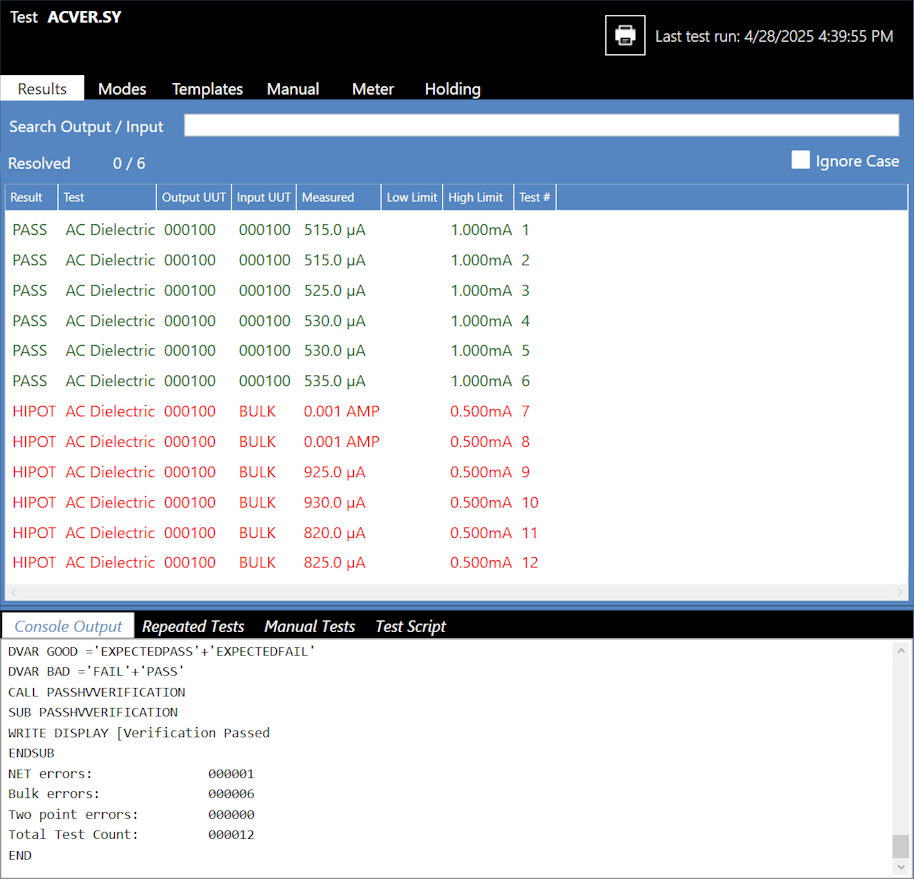
Source: NETS User Manual, Revision D, document 132-06035-0006, section 8.1.4.