
Click the Add button at the bottom of the screen and enter a new User Name. Click the OK button to add the new user to the list of existing users.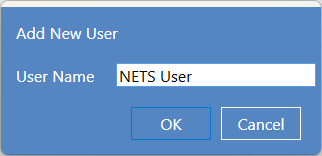
The "NETS User" account has been added. Select the permission level desired for the new account. Assign a language that the user will see when logging into NETS.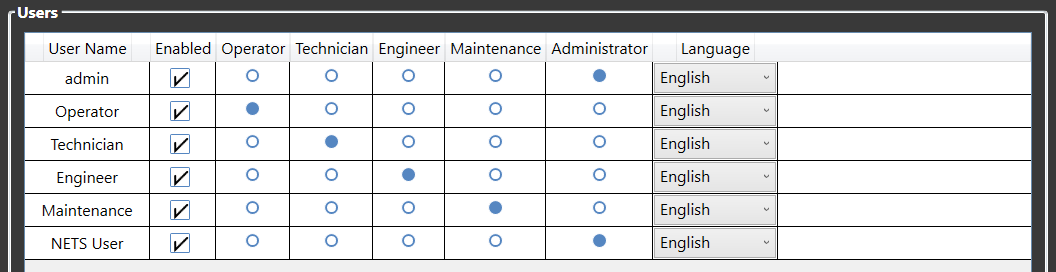
Click on the new user account to highlight it. Click the Change Password button at the bottom right of the window. Enter and confirm a password and click the OK button.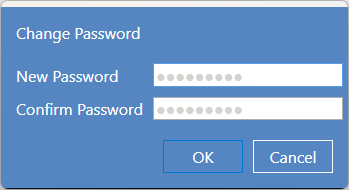
Click the Save button in the bottom right of the window to record the changes. The Users window will close and the NETS Main Screen will appear. Click the Users button to verify the changes.
Source: NETS User Manual, Revision D, document 132-06035-0006, section 9.7.2.