
The Analyzer section of the Maintenance screen has three (3) function selectors: Characteristics, DIT-MCO Toolbox, and Disable Switching Power. The Characteristics selector allows the user to tare the Analyzer system to remove system-induced artifacts that may affect the test
environment. Analyzer characterization is used to develop Tare Map data, improving the tests’ accuracy. The Tare Map allows the user to capture, store, and edit extraneous resistances inherent in the Analyzer system and cabling that may adversely affect the test data. The user can easily recall tare data to remove or adjust resistive values that are not part of the test circuit. The DIT-MCO Toolbox can be accessed through the Analyzer section to perform system maintenance and diagnostics. DIT-MCO Toolbox is used to configure analyzers with Series 10 switching, change existing firmware, and test communications.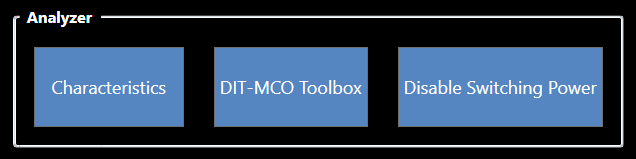
Source: NETS User Manual, Revision D, document 132-06035-0006, section 8.2.