
The Directory Search List allows users to specify which directories and subdirectories the NETS software uses when searching for test script files. The default search directory is “C:\TESTFILE”.
Include subdirectories of the following folders in search path: - Check this box to cause the NETS software to search for test files within any configured subfolders.
Regenerate Search List: Checking this box will refresh the list of directories and test script locations in the Test Script Archive portion of the Test Execution screen (the window that appears when users click the Test button from the NETS Main Screen). This process occurs every time the NETS application is launched.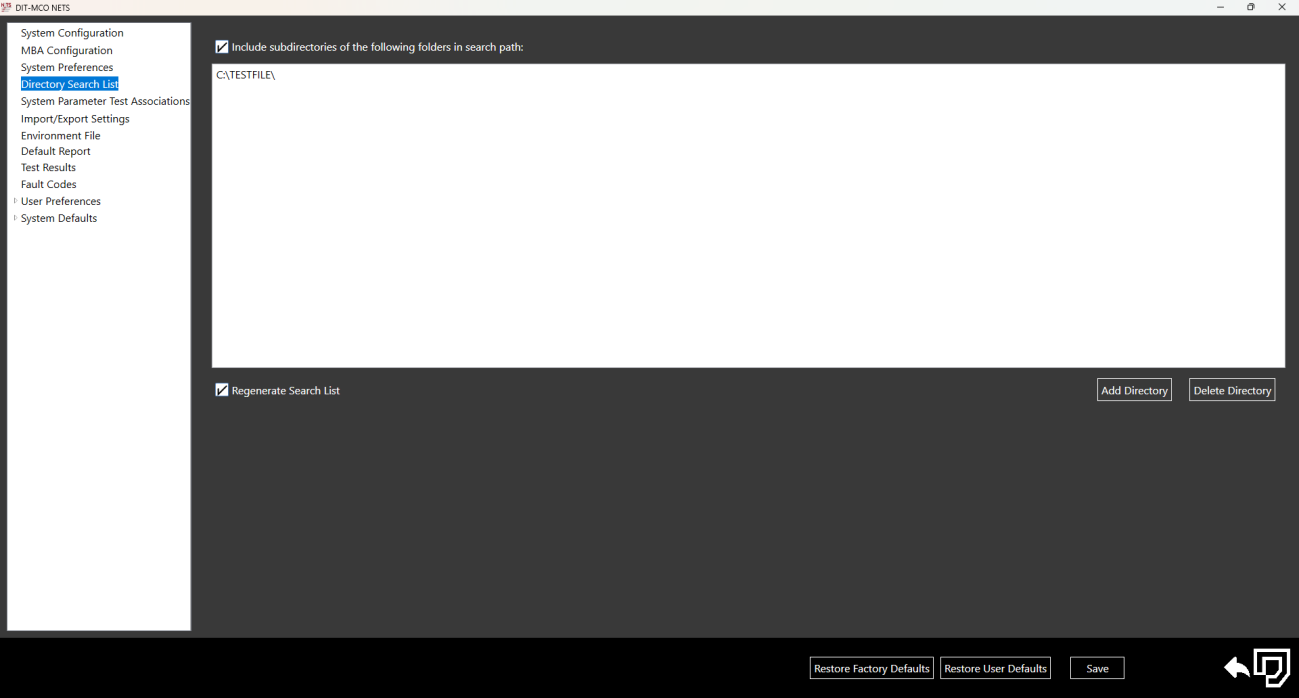
Source: NETS User Manual, Revision D, document 132-06035-0006, section 3.4.