
Problem: The user sees a blank DitNLA screen when opening the utility.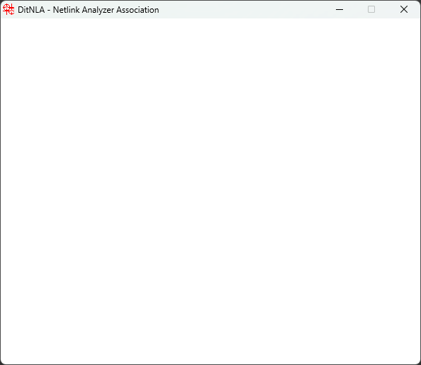
Solution: Use the Windows Task Manager to close DitNLA and restart the application by performing the following steps.
- Press Ctrl-Alt-Del in Windows and select Task Manager from the list.
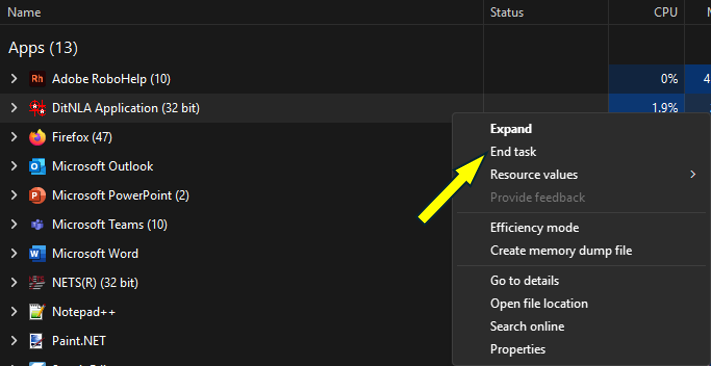
- Right-click on "DitNLA Application (32 bit)" and select End Task.
- Navigate to C:\DITMCO and double-click "DitNLA.exe".
- The DitNLA icon is now available again in the Windows System Tray and will run normally.
Source: NETS User Manual, Revision D, document 132-06035-0006, section 11.1.2.