
Cause: No communication between the software and the hardware.
Solution: Verify the analyzer is powered on. Check that DitNLA is in a Connected With Associate state for Ethernet connections.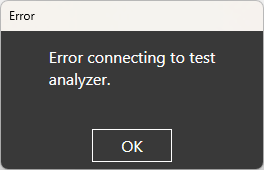
Source: NETS User Manual, Revision D, document 132-06035-0006, section 11.2.4.