
This feature saves and restores system configuration and settings. It may be used to restore a known working configuration or transfer settings to or from another PC. The filename is user- defined. However, the file extension must be EXPORT.
Import Settings FileName: Click the Browse button to locate and import a file containing previously exported NETS settings. Then, click Import Settings to replace the current settings.
Export Settings FileName: Click the Browse button to find a location to export current NETS settings. Then, click the Export Settings button to complete the export process.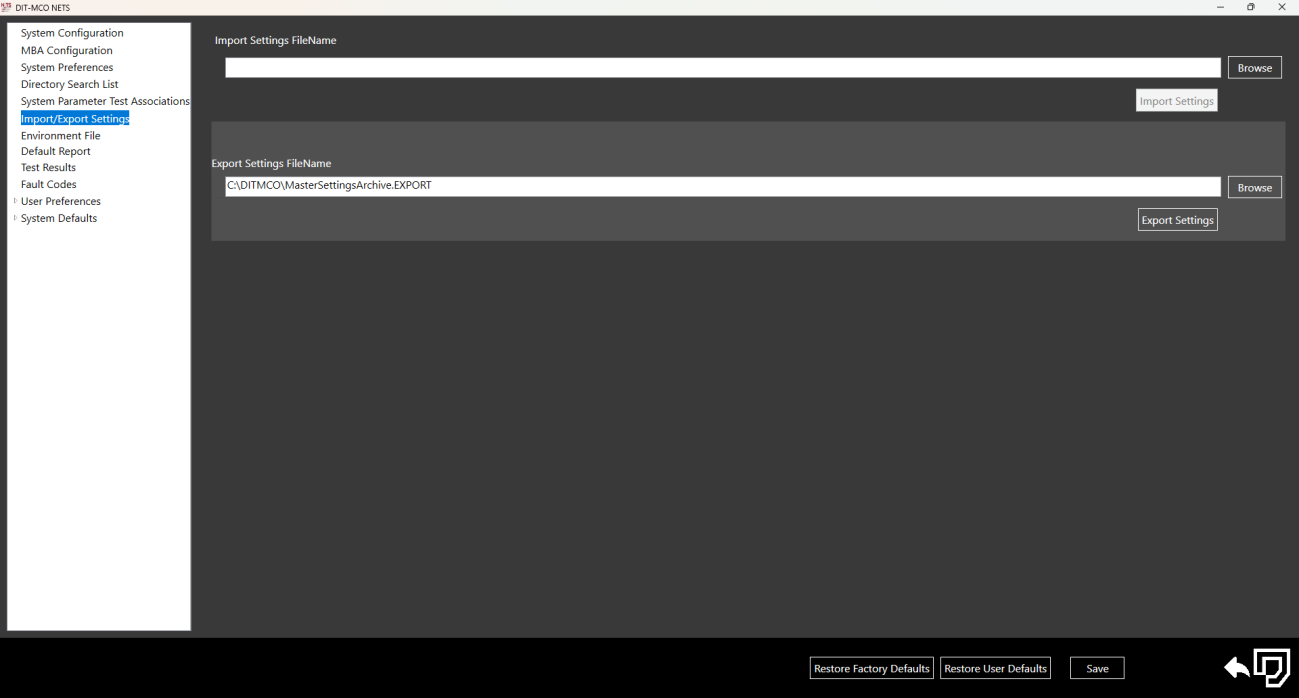
Source: NETS User Manual, Revision D, document 132-06035-0006, section 3.6.