
After clicking the Manual menu button, users land on the Manual entry tab. This screen allows users to manually enter commands into NETS.
Command: The field where commands are entered.
Save to Stored Commands: Check this box to retain commands entered into the Stored Commands column.
Send: Click this button to send the command entered.
Stored Commands: A list of commands sent with the Save to Stored Commands option checked.
Command History: A list of commands sent during the current NETS session.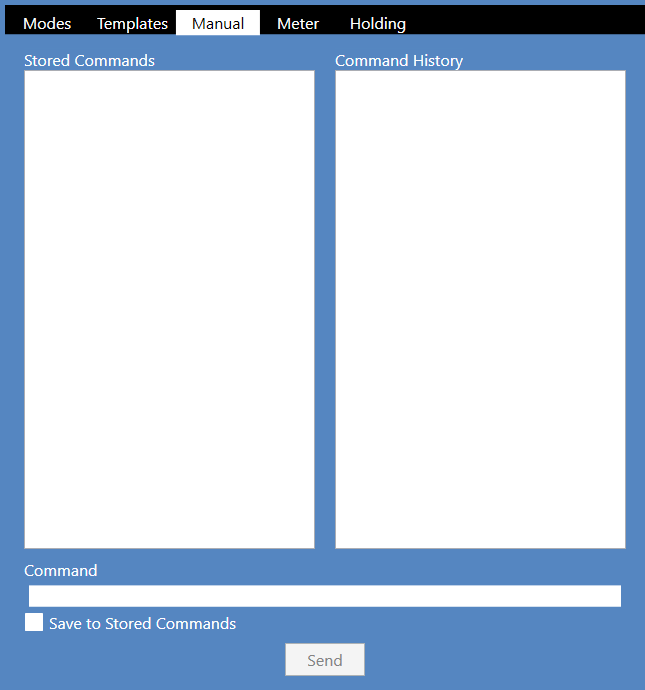
Source: NETS User Manual, Revision D, document 132-06035-0006, section 8.1.1.1.