
The Manual Tab opens a screen that allows users familiar with the DIT-MCO test language to perform tests manually. This is accomplished by entering the command string in the command line of the Manual mode screen. A test may be initiated in manual mode by entering the command at the command line and pressing the Send button. The User may store commands by selecting the Save to Stored Commands check box.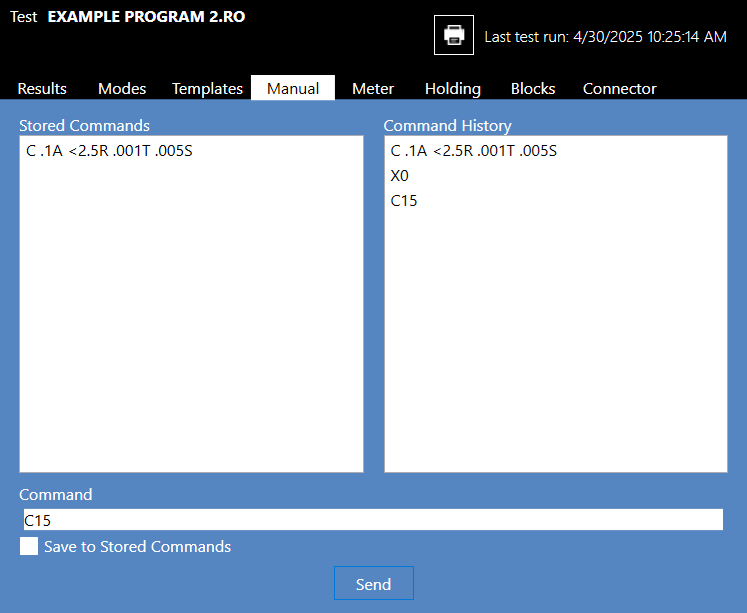
Source: NETS User Manual, Revision D, document 132-06035-0006, section 5.4.1.4.