
When a test is performed manually, using either the Manual function or the Templates function, the results are displayed in the Results Pane by selecting the Manual Tests tab. Data columns configured in the Function Pane are duplicated here, providing a uniform method of displaying the results of manually performed tests. Clicking on any column header will sort the results by that column.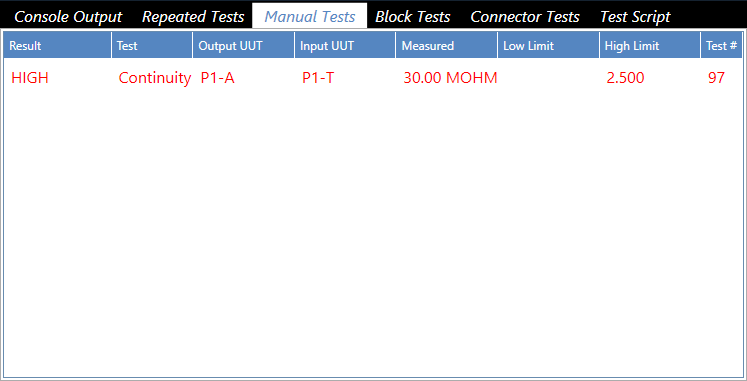
Source: NETS User Manual, Revision D, document 132-06035-0006, section 5.4.3.3.