
Cause: NETS is currently running. May also occur if NETS has crashed and Windows Task Manager reports it as a running process.
Solution: Allow at least 3 seconds after closing NETS to re-launch it. If NETS crashes, open the Windows Task Manager and close any instances of a running NETS process.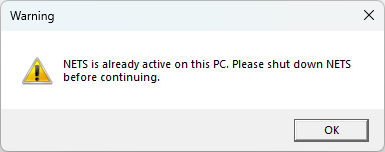
Source: NETS User Manual, Revision D, document 132-06035-0006, section 11.2.5.