
After a test has been initiated and run, the Results Pane can be used to view and review test results. The Results Pane contains five (5) tabs for viewing various aspects of the test results. The Block Tests tab is only available when a test script was programmed in blocks. Select a tab at the top of the Results Pane to view the desired information.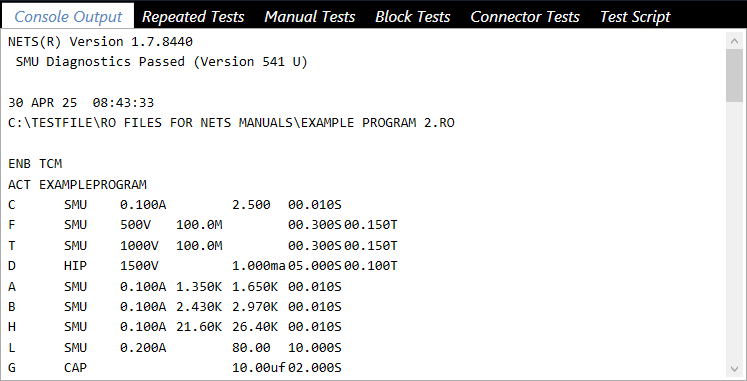
Source: NETS User Manual, Revision D, document 132-06035-0006, section 5.4.3.