
For users wishing to update the firmware of the SMU board, navigate to SMU Firmware Download from the DIT-MCO Toolbox menu. Before using this feature, make sure that the correct “.s19” file is located in the DIT-MCO folder. Also ensure that DitNLA is running and that a valid association with an analyzer exists. For procedures and information about DitNLA, refer to Appendix K in the manual. Once the feature is started, the user will be given a warning. If the user chooses to proceed, an open file dialog will be shown to the user.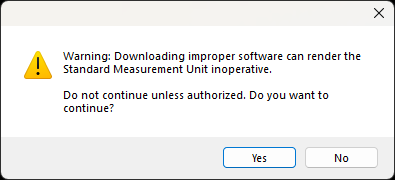
Warning: Improper installation of different firmware can render the Analyzer inoperative. Contact DIT-MCO for guidance and instructions to ensure proper procedure and correct firmware version is installed.
Source: NETS User Manual, Revision D, document 132-06035-0006, section 8.2.3.6.