
The System Event Log gives the date, time, action, and operator name for all configuration and testing actions that have occurred on the system. Users may clear the System Event Log by selecting the Clear Log button.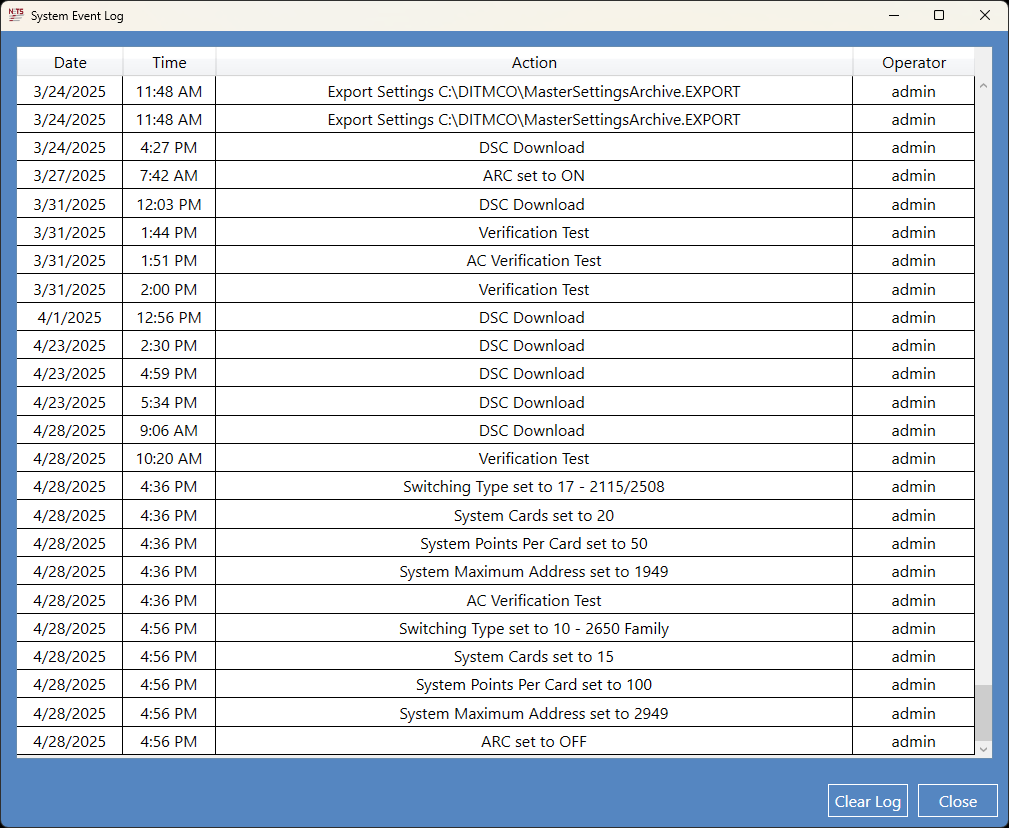
Note: Only a user with an Administrator permission level can clear the System Event Log.
Source: NETS User Manual, Revision D, document 132-06035-0006, section 8.3.2.