
Drag and drop selections from the Candidate Columns field into the Display Columns field. Click Default to restore the fields to their factory defaults. Selecting Clear All will return items to their original place in the Candidate Columns field. This affects the column display in the Function Pane – Results Tab.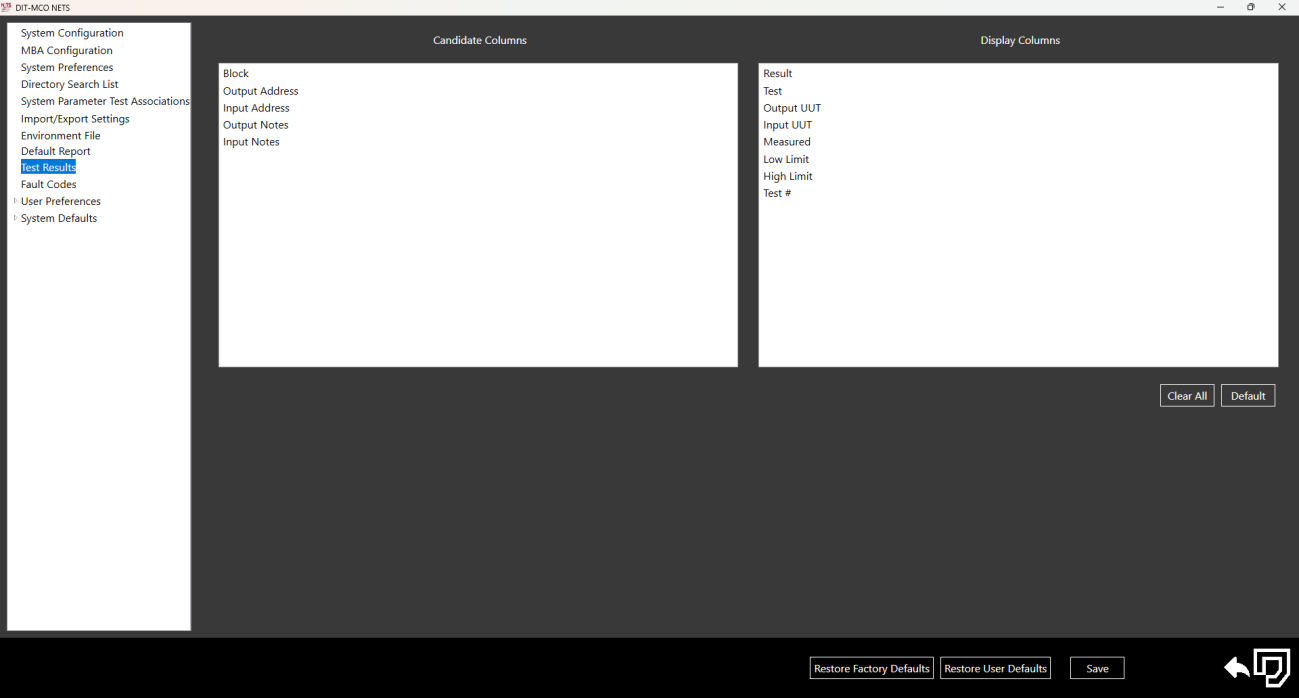
Source: NETS User Manual, Revision D, document 132-06035-0006, section 3.9.